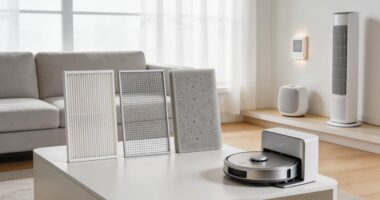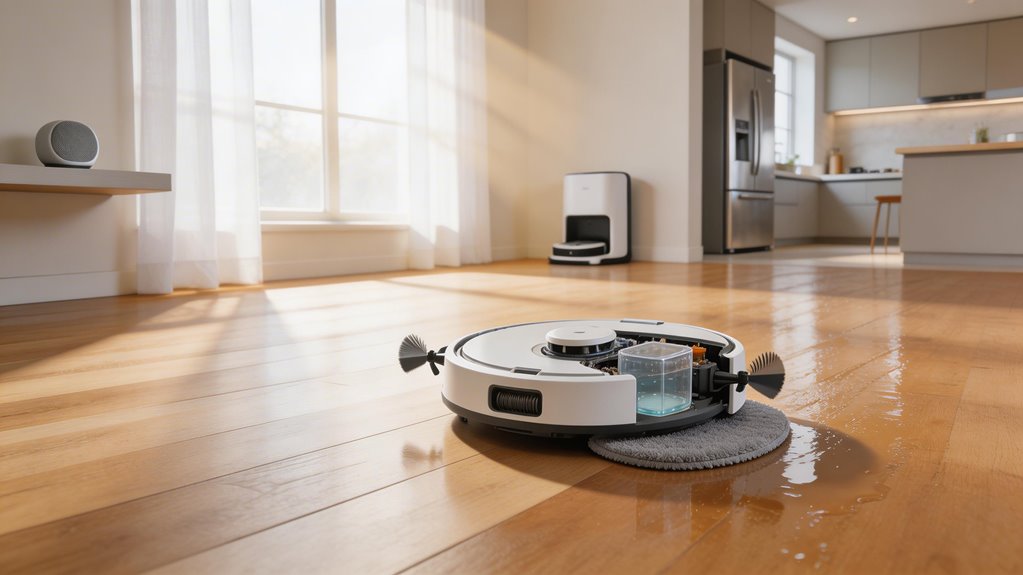

Combo robots split vacuuming and mopping into two separate stages instead of doing them simultaneously. Your robot vacuums first to grab dry debris, then mops afterward. This two-stage approach keeps wet gunk from clogging the suction and lets each function work properly. You control which mode runs through the app or by swapping physical bins. Carpet detection sensors lift the mop pad automatically when shifting between floor types. The trade-off: they sacrifice some suction power compared to dedicated vacuums, though how much depends on the model you choose.
Key Points
- Combo robots perform two-stage cleaning: vacuuming dry debris first, then mopping afterward to prevent wet gunk from clogging suction.
- Carpet detection sensors trigger servo motors to automatically lift mop pads 5-25mm when transitioning from hard floors to carpets.
- Dual water tanks separate clean and dirty water, preventing moisture from damaging the vacuum’s HEPA filter and dustbin.
- App-designated no-mop zones allow users to restrict mopping on carpets while maintaining vacuum-only cleaning in those areas.
- Self-cleaning docks refill clean water, empty dirty water, and rinse mop pads between runs to prevent mold and odors.
How Simultaneous Vacuuming and Mopping Works in 2-in-1 Combo Robots
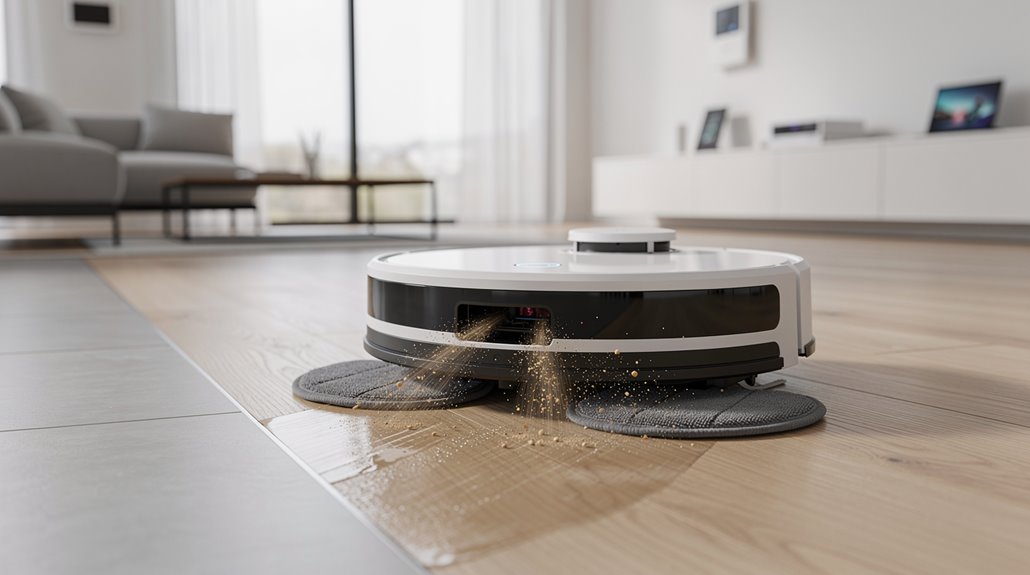
Robot vacuum-mop combos clean your floors in stages rather than true simultaneous action, which sounds like a limitation until you understand why it matters.
Your simultaneous vacuum mop robot vacuums dry debris first, then mops afterward. The two-stage approach prevents wet gunk from clogging suction and keeps both systems working efficiently. Advanced systems like the S10 feature RevoRoll Roller Mop with RinseSync technology that enables the mop to wash itself during the cleaning cycle without requiring manual intervention. Self-cleaning and self-drying mop features prevent mold, mildew, and odors from developing between cleaning sessions.
You get thorough cleaning without compromising either function.
How Auto-Lift Mop Technology Works at Carpet Transitions
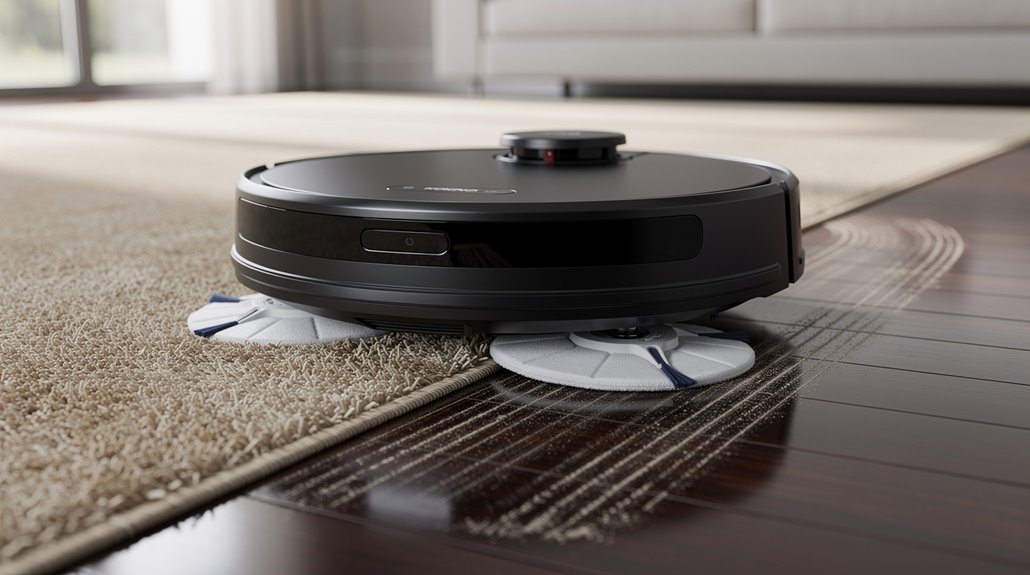
When you move from hardwood to carpet, servo motors respond to your carpet detection sensors by raising the mop pad—usually between 5mm and 25mm depending on pile height—so wet pads don’t drag moisture into the fibers.
If auto-lift fails at low-pile carpet edges, you’re looking at damp spots and potential fiber matting where the mop didn’t retract in time. Advanced models use AutoShield technology to proactively retract mop pads the moment carpet is detected, rather than waiting for a mechanical failure to trigger the response. The Shark Matrix Plus employs Sonic Mopping™ technology that scrubs hard floors 100x per minute while the self-emptying base captures 99.97% of dust and allergens, ensuring optimal performance across multiple floor types.
Most current models handle this transition reliably, but cheaper units sometimes miss the sensor cue on thinner rugs, leaving you with wet patches where you wanted dry vacuuming.
How servo motors raise the mop pad above carpet pile height
Servo motors in robot vacuum mop combos handle the actual lifting work, and they’re surprisingly straightforward about it.
The motor receives a signal from your robot’s navigation system when carpet is detected. It then pivots the mop arm upward, raising the pad 7-10.5mm above pile height. This happens within three seconds, keeping your floors dry while protecting carpet fibers. Premium models like the Dreame L50 Ultra use retractable legs to climb vertical steps up to 1.65 inches, enabling the entire unit to adjust height across varied floor transitions beyond mop lifting alone. Models with auto-pad lift technology, such as the Roomba Plus 405, further enhance this capability by automatically lifting the mop pad during carpet detection to prevent water damage.
What happens when auto-lift fails at low-pile carpet edges
The servo motor’s lift system works great on standard carpet, but here’s where things get messy: low-pile rugs sit in a gray zone that confuses most robots. Your auto-lift mop robot vacuum can’t tell the difference between low pile and hard floors. Water saturates the fibers. The rug shifts. Your mop pad drags across wet backing, defeating the entire purpose of auto-lift technology designed to protect carpet. Sensors like infrared and bump sensors work together to detect surface changes, but they often misinterpret the subtle height differences between low-pile rugs and smooth floors, causing the mop to remain partially engaged with wet fibers. Regular cleaning of these sensors is essential, as fine dust settling into sensors degrades navigation accuracy and worsens carpet transition detection.
| Issue | Cause | Result |
|---|---|---|
| False Detection | Grout lines trigger sensors | Unnecessary pad raises |
| Sensor Confusion | Dirty cliff sensors | Missed carpet transitions |
| Incomplete Lift | Threshold miscalibration | Pad still contacts pile |
How Dual Water Tank and Dustbin Design Functions in Combo Units
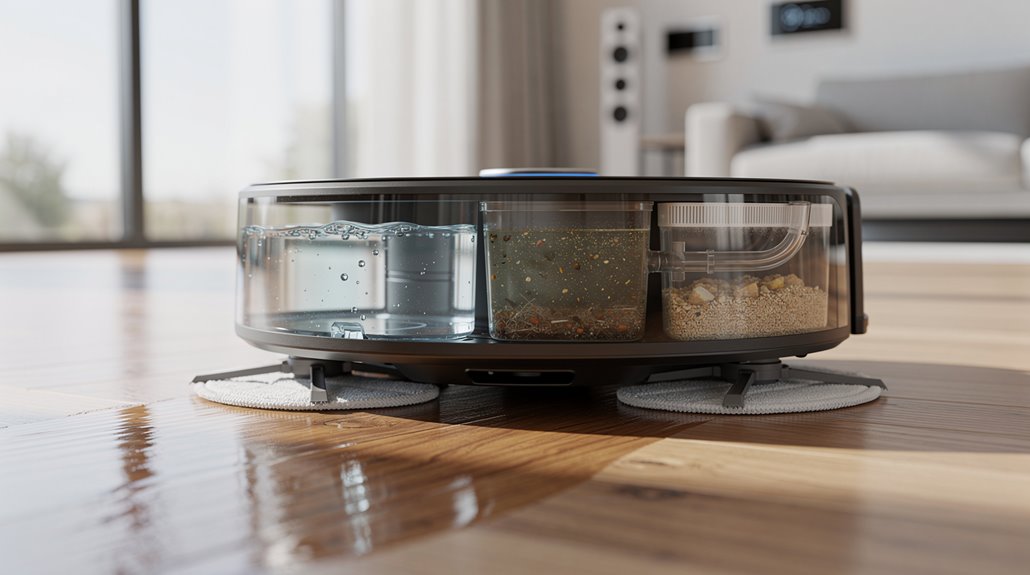
Because robot vacuums need to handle both dry debris and wet mopping, combo units split their water storage into two separate tanks—one for clean water going out, one for dirty water coming back.
Your dual tank robot vacuum mop keeps the systems separated so moisture doesn’t wreck the dustbin’s HEPA filter. The dock refills clean water and empties dirty water automatically between runs. Premium models like the Dreame Aqua10 Ultra Roller feature continuously rinsing rollers with real-time fresh water to maintain optimal cleaning performance throughout each cycle. Advanced units also include auto dust emptying capabilities that seamlessly integrate with the dock station for enhanced convenience.
How Combo Robots Handle Zone Separation Between Vacuuming and Mopping Runs
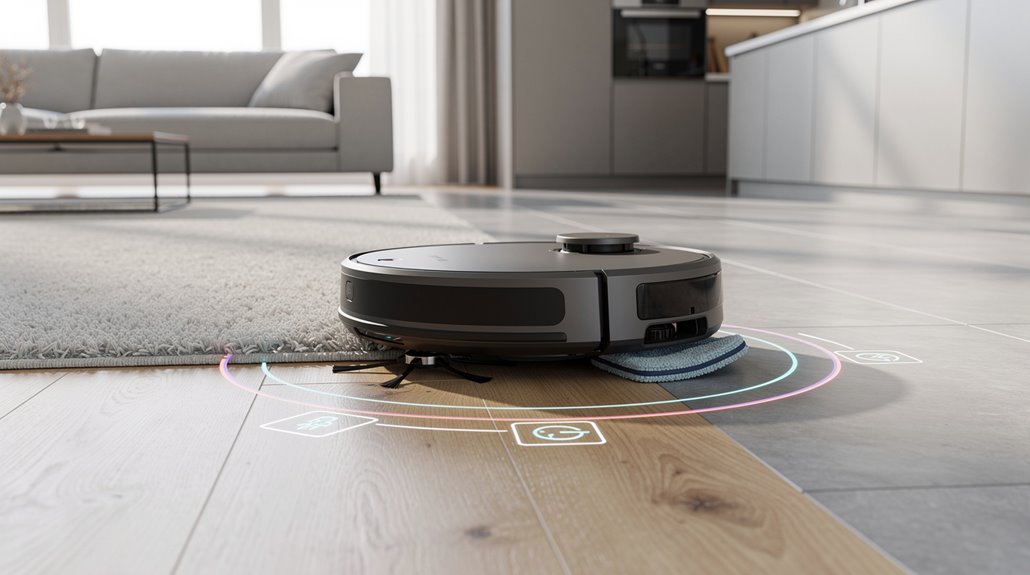
You’ll want to know how your combo robot actually keeps water off your carpets, and it comes down to two main approaches: designating no-mop zones through the manufacturer app (like iRobot’s system that marks specific rooms or areas as carpet-only) and switching between distinct vacuum-only and mop-only pass modes depending on your floor type.
The app lets you set which rooms get mopped and which stay dry, or you can swap to a dry bin entirely if you want the robot to skip mopping altogether across your whole house. When you install the Roomba Combo Bin, the robot vacuums and mops simultaneously rather than in separate passes. Most combo models rely on sensor fusion technology to distinguish between carpet and hard flooring before engaging the mop function, ensuring precise floor-type recognition.
Most combos handle full-room cleaning better than single-zone runs, so you’re trading some flexibility for the fact that zone-only passes often need multiple attempts to work properly.
How no-mop zones are mapped and enforced in the manufacturer app
To keep your combo robot from mopping surfaces it shouldn’t touch, you’ll need to map out no-mop zones in the manufacturer’s app—and the process is straightforward enough that you won’t need a manual nearby.
You’ll drag boundaries on your floor’s digital map, save the settings, and your robot enforces those no-mop zone robot restrictions automatically during cleaning runs. Advanced mapping systems like LiDAR navigation enable organized grid-like cleaning paths that recognize and respect these defined no-mop zones with greater accuracy than random-movement models. Many users set no-mop zones specifically for carpeted areas to prevent water damage and keep rugs dry during mopping cycles.
How separate vacuum-only and mop-only pass modes work
Most combo robots handle vacuuming and mopping through separate operational modes—either by swapping physical components like bins, selecting different modes through the app, or running distinct passes back-to-back.
You control robot mop zone separation by choosing vacuum-only or mop-only via your app, then the robot adapts its brush system accordingly.
Roomba runs two neat passes, switching tasks mid-route. The Interchangeable Combo Bin enables simultaneous vacuuming and wet mopping of hard floors by allowing users to swap between a dry vacuum-only bin and a wet mopping bin based on their cleaning needs.
Shark lets you toggle modes post-dock. Many advanced models like the eufy Robot Vacuum Omni E28 feature customizable cleaning modes that streamline this process without requiring manual component changes.
Physical bin swaps lock in your cleaning method.
What Trade-offs Combo Robots Make Compared to Dedicated Units
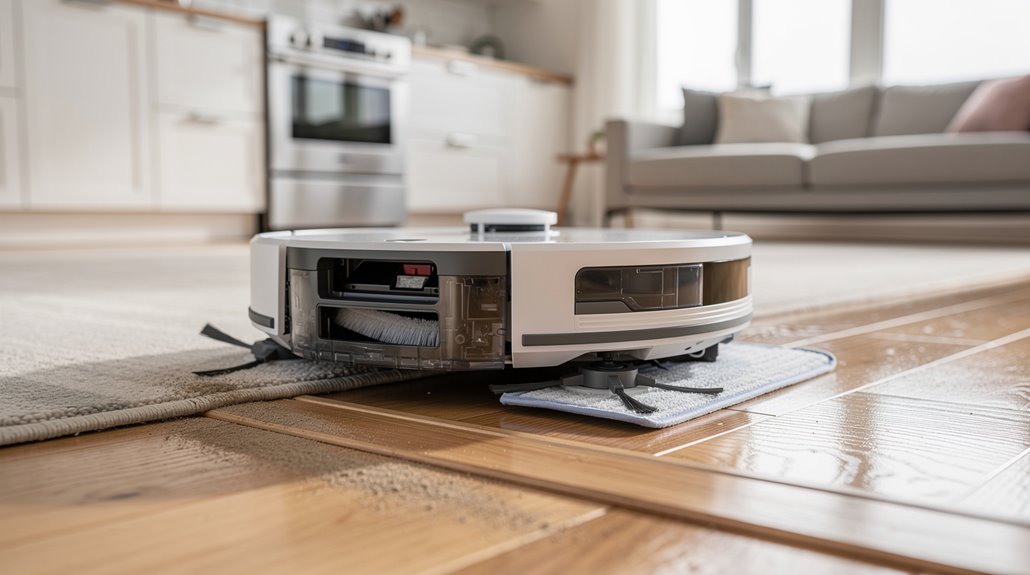
When you choose a combo robot, you’re basically asking one machine to do two jobs well—and that’s where the real friction starts.
Combo robots force one machine to excel at two jobs—and compromises inevitably follow.
Your robot vacuum mop combo sacrifices carpet suction for hard floor versatility.
Battery life drops to 100–150 minutes versus 150–180 for vacuum-only models.
More moving parts mean more maintenance headaches and higher failure risk. The auto-lift mop feature prevents wetting carpets during transitions, but this added complexity increases the potential for mechanical failure. Most hybrid units perform less effectively on carpets than dedicated robot vacuums.
You’re trading specialized performance for consolidated convenience.
Which 2-in-1 Robot Vacuum Mop Combo Technology Delivers Best Results
Picking the right combo robot means weighing what matters most to your home—raw suction power, specialized cleaning modes, or a dock that actually handles the dirty work for you.
The Dreame X60 Max Ultra‘s 35,000Pa suction with carpet mop avoidance technology edges ahead for mixed floors.
The Roborock Saros 10R handles hard surfaces better.
Budget models like MOVA S10 sacrifice suction power but cost less upfront. Models with spinning-pad mopping systems like the Dreame L40S Ultra offer simpler maintenance compared to roller-style alternatives that require monthly reservoir brushing. Top-tier models feature AceClean DryBoard system 4.0 for automated self-cleaning and drying capabilities.
Frequently Asked Questions
How Often Should I Clean the Mop Pads and Water Tanks for Optimal Performance?
You should rinse mop pads daily and empty water tanks after each session. Clean pads thoroughly weekly, deep clean tanks monthly, and replace pads every few months depending on usage and your home’s conditions.
Can Combo Robots Effectively Clean Pet Hair Without Tangling the Mop?
Can you really have your cake and eat it too? Yes—you can select models with detangling combs, brushless suction ports, and liftable mop pads that prevent hair tangling while maintaining effective pet hair pickup on carpets.
What Floor Types Are Incompatible With 2-In-1 Robot Vacuum Mop Combos?
You’ll want to avoid using 2-in-1 combos on unsealed hardwood, high-pile carpets over 0.5 inches, moisture-sensitive laminate, unsealed cork, and uneven surfaces with transitions exceeding standard climbing specs.
How Does Battery Life Differ Between Combo Units and Single-Function Robots?
You’ll find combo units drain 44% battery in 33 minutes versus single-function robots using just 26% in 45 minutes. Dual mopping features—heated water and hot air drying—consume significantly more power, shortening your runtime considerably.
Are Combo Robots Suitable for Homes With Multiple Floor Levels and Stairs?
You’ll find standard combo robots unsuitable for multi-floor homes since they can’t climb stairs. You’d manually carry them between levels, though emerging tech like tracked platforms promises future stair-climbing capabilities.
Conclusion
You’re getting a jack-of-all-trades machine that’s master of none, which is exactly what makes it useful. The auto-lift mop and dual tanks sound clever—and they are—but you’re trading specialized performance for convenience. Most combo units sacrifice mopping pressure compared to dedicated wet cleaners. If you’ve got mixed flooring and hate swapping devices, the trade-off works. Otherwise, you’re paying for features you won’t fully use.