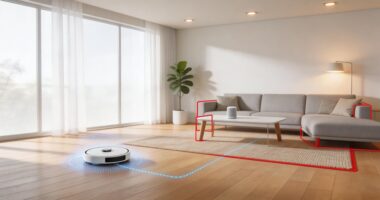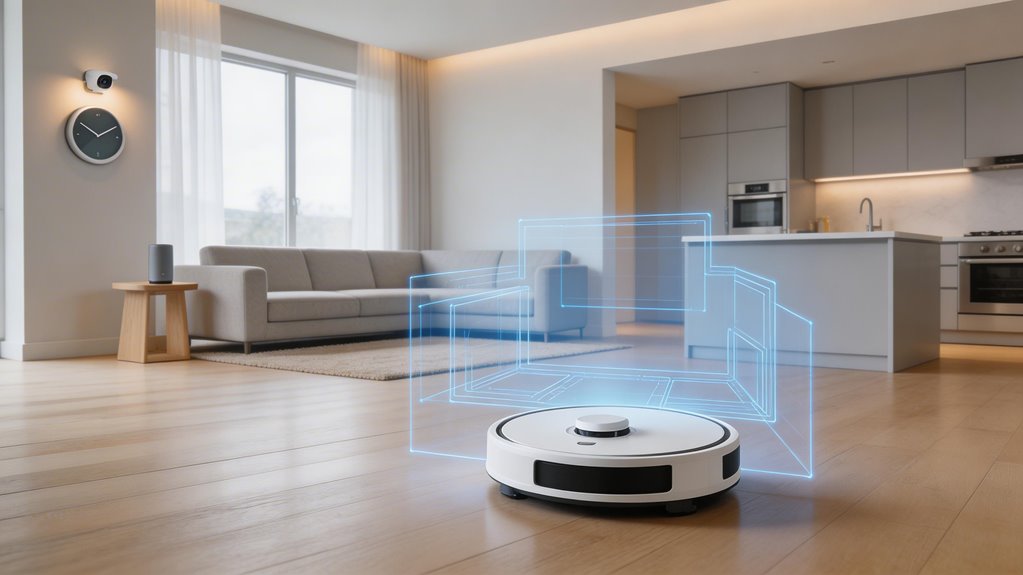

Your robot vacuum learns your home by running an initial mapping session with LIDAR or cameras, scanning walls, furniture, and doorways to build a digital floor plan in real time. It stores this map in memory so future cleanups follow organized patterns instead of random movement. The vacuum refines the map over multiple runs as it detects new obstacles. Dirty sensors, closed doors, and furniture shifts degrade accuracy, so you’ll want to keep sensors clean and refresh maps monthly. Understanding what affects map quality helps you get consistent coverage.
Key Points
- Robot vacuums use LIDAR, cameras, and infrared sensors with SLAM technology to build real-time 2D maps of your home.
- During initial mapping runs, vacuums systematically scan walls, furniture, and obstacles over 30 minutes to 2 hours for complete coverage.
- Stored floor maps enable the vacuum to remember your home layout across multiple cleaning sessions and navigate efficiently.
- AI algorithms detect doorways and furniture placement to automatically segment rooms, allowing targeted cleaning of specific areas via app.
- Manual editing tools let you draw virtual boundaries and adjust room lines to refine auto-detected zones for irregular layouts.
How Robot Vacuums Build a Floor Map During the Initial Mapping Run
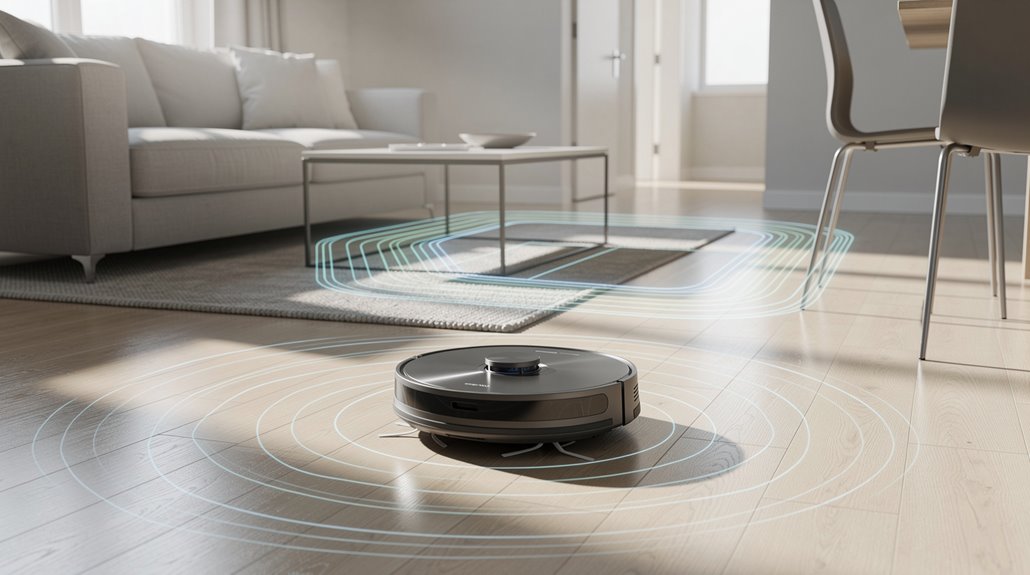
During your robot’s first mapping run, it activates dedicated scanning mode and methodically surveys your home using LIDAR, cameras, or infrared sensors to build a real-time 2D layout—all without stopping to vacuum.
You’ll notice the robot moves more deliberately than it cleans, often covering edges and open areas first while SLAM technology stitches sensor data together into a coherent map. Many robot vacuums also use gyroscopes and accelerometers to track their movement and orientation, further refining the accuracy of the floor plan being created.
That first pass rarely hits 100 percent coverage because obstacles, closed doors, or furniture placement can block access to certain zones, which the robot typically fills in during subsequent cleaning runs once it’s learned the space.
Storing the map on both the robot and your mobile app ensures you can reuse the same floor plan for future cleaning sessions without needing to remap your home every time you start a cleaning run.
What happens during a dedicated first-run mapping session
Before your robot vacuum can clean efficiently, it needs to understand your home’s layout—and that’s where the dedicated first-run mapping session comes in.
Your first-run mapping robot vacuum scans systematically from the dock, using laser and camera sensors to record walls, furniture, and obstacles. To ensure successful mapping, you should open doors so the robot can explore all areas and pick up obstacles like wires, clothing, and plastic bags that might interfere with sensor accuracy.
The process takes 30 minutes to 2 hours depending on your home’s size. During this time, the robot creates a digital blueprint that enables organized cleaning patterns rather than random movement.
You’ll watch real-time progress in the app as it builds your floor map.
Why first-run coverage is rarely 100 percent complete in one pass
Although your robot vacuum has systematically scanned your home during the first run, you’ll likely find that it didn’t capture everything in a single pass. Robot vacuum mapping technology relies on sensors and SLAM algorithms, but they hit real limits. Closed doors block access. Dirty sensors misread distances. Your home’s layout—especially complex multi-room setups—demands multiple passes. Additionally, wheel slipping on thresholds affects distance readings and overall map accuracy, which is why some areas may appear distorted on your initial map. To achieve optimal results, allow uninterrupted full runs from the docking station to ensure the map saves completely without interruption.
| Challenge | Impact |
|---|---|
| Closed doors | Unmapped rooms |
| Sensor dirt | Inaccurate readings |
| Complex layouts | Extended time needed |
| Low battery | Incomplete cycles |
How Robot Vacuums Store and Update Floor Maps Over Time
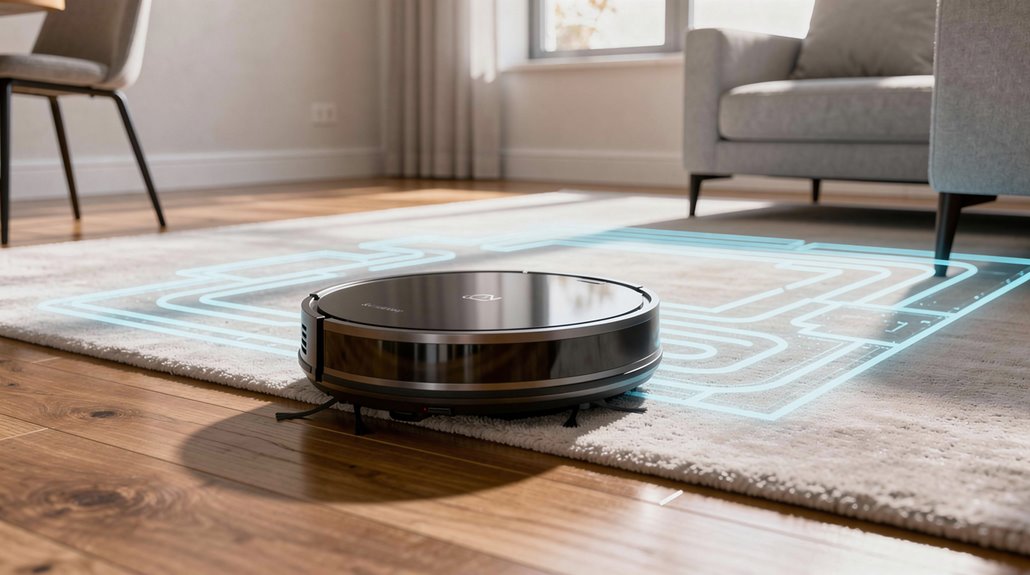
Your robot vacuum stores maps in its memory after each docking, and over time it refines these maps by detecting new obstacles and adjusting routes based on what it encounters during cleaning runs.
If you’ve got multiple floors, you can save up to four or five separate maps depending on your model, though you’ll need to manually carry the vacuum between levels since it can’t recognize stairs on its own.
Map corruption typically happens when the battery dies mid-run, you move the vacuum manually during mapping, or the robot doesn’t return to its dock properly—basically anything that interrupts the save process. Advanced mapping technology like LiDAR and SLAM help minimize these issues by creating more robust maps that are less susceptible to corruption from minor interruptions. Detailed maps also enable your vacuum to cover more area in less time with minimal user intervention by optimizing cleaning paths.
How map corruption occurs and what triggers it
Once your robot vacuum completes its first cleaning run and stores that map to memory, you’d think you’re set—but the truth is messier than that.
Map corruption happens through sensor contamination, environmental reflections, physical interruptions, and software glitches.
Dirty sensors misread obstacles.
Mirrors confuse LiDAR.
Lifting your robot mid-clean warps the route.
Low battery during mapping leaves scans incomplete. Additionally, if your charging dock placement is incorrect—positioned at an angle or in a narrow niche rather than flush against a straight wall—the robot loses its localization reference point and begins subsequent cleaning runs from a compromised position. Environmental drift from moved furniture or new objects can cause intermittent navigation failures even when initial maps seemed reliable.
These triggers gradually degrade your stored maps over time.
What multi-floor map storage means for households with stairs
If you’ve got stairs in your home, multi-floor mapping changes what a robot vacuum can actually do for you—it shifts the machine from a single-level tool to something that handles your whole house without you manually carrying it between floors.
- Your multi-floor map robot vacuum stores separate maps per level, with most models handling 2-3 floors and advanced ones managing 4-5
- You label each floor map in the app and set cleaning preferences independently
- The vacuum automatically switches maps when relocated, eliminating manual floor selection
- Once a floor is mapped, the vacuum stores the map for future use, so re-mapping isn’t required for normal cleaning operations unless your home layout changes significantly. Modern models support cloud storage of up to 4–5 floor plans, enabling reliable access to your complete home layout across all levels.
How Room Segmentation Technology Divides Open Floor Plans in Robot Vacuums
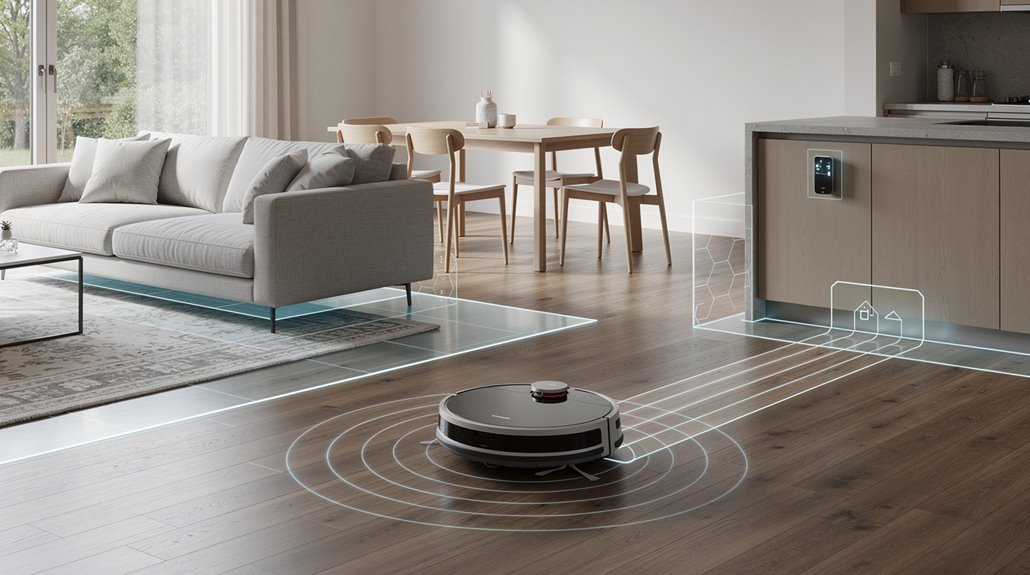
Your robot vacuum uses LiDAR, cameras, and AI algorithms to automatically detect where one room ends and another begins—recognizing doorways, furniture placement, and floor transitions without you lifting a finger.
If the auto-detection misses something or you want tighter control, most manufacturer apps let you manually draw virtual boundaries right on the digital map, essentially redescribing room lines to match how you actually want the vacuum to clean. This persistent mapping capability enables the vacuum to remember your home layout across multiple cleaning sessions, improving efficiency by avoiding repeated cleaning of the same spots.
The trade-off is that manual adjustments require you to update them each time you rearrange furniture, whereas the vacuum’s automatic detection adapts on its own during future cleaning sessions. When your vacuum is lifted and moved to a different location, it must re-localize by detecting nearby objects and tracing walls to place itself back on the existing map before resuming its segmented cleaning routine.
How auto-room detection identifies distinct zones
Room segmentation in robot vacuums relies on a clever combination of sensors and algorithms that work together to carve up your floor plan into distinct zones—especially useful when you’ve got open spaces that don’t have traditional walls to guide the way.
Your auto-room detection robot vacuum identifies zones through:
- Initial full-home scans that map walls and obstacles, inferring boundaries from sensor data
- AI processing that labels segments as kitchen or living room using shape and size patterns
- Repeated passes confirming consistent boundaries across sessions for accuracy
The LiDAR and cameras work in tandem to measure distances to surrounding objects and capture detailed room images, allowing the vacuum to create precise spatial maps that distinguish furniture placement and architectural features for more accurate room segmentation. These mapping algorithms continuously optimize path planning and coverage to ensure thorough cleaning of each identified zone without missing spots or redundant passes.
How to manually adjust room boundaries in the manufacturer app
While your robot vacuum’s auto-room detection does solid work on its own, the app’s manual boundary tools let you fine-tune what the algorithms miss—or override them entirely when they’ve carved up your open floor plan in ways that don’t match how you actually live.
| Feature | What It Does | Best For |
|---|---|---|
| Line drawing | Connect two points to create boundaries | Open spaces |
| Rotation adjustment | Reposition dividing lines at angles | Irregular layouts |
| Custom contours | Map non-standard room shapes | Complex geometries |
| Real-time editing | Modify zones during active cleaning | Quick fixes |
| Boundary refinement | Adjust if robot navigation fails | Problem areas |
Your robot vacuum app’s map editing interface displays these boundaries visually. You draw straight or diagonal lines connecting solid points on your floor plan. Then you rotate, reposition, or extend them until they actually match your home’s layout. Thickness adjustments accommodate furniture placement. V-SLAM robots follow these custom boundaries less precisely than LiDAR models, though both respond to them. Access Map Editing from your dashboard by tapping the map icon with the pencil symbol to begin adjusting room divisions.
After significant furniture rearrangement or layout changes, remap your home to ensure the vacuum’s navigation system captures the updated floor plan accurately and respects your newly adjusted boundaries.
How Robot Vacuums Use Saved Floor Maps for Targeted Room Cleaning
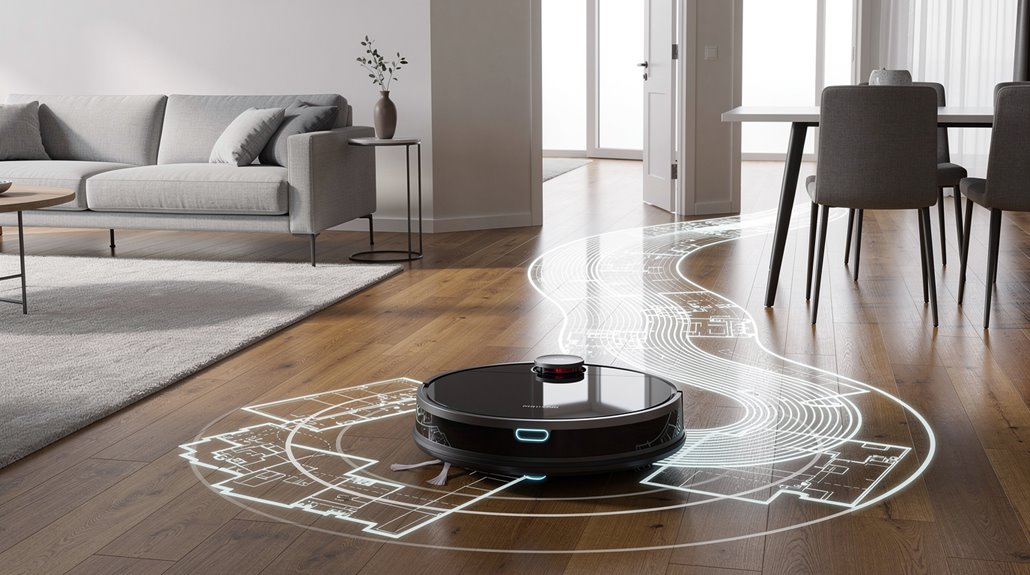
Once your robot vacuum builds and stores a floor map, it enables the ability to clean exactly where you want it to—not just wherever it wanders. You’re not stuck with random patterns anymore.
Stop settling for random cleaning patterns. With a stored floor map, your robot vacuum cleans exactly where you want it.
Here’s what targeted room cleaning robot vacuum technology actually does:
- Names and selects specific rooms from your saved map through the app
- Sets no-go zones and virtual boundaries to restrict robot access
- Sequences multiple rooms for organized, efficient cleaning runs
Your vacuum references this stored data each time it starts, knowing precisely where it’s and where you’ve told it to go. Advanced mapping systems like AINA 2.0 combine deep learning with sensor data to continuously refine the floor plan and improve navigation accuracy in real-time.
What Degrades Robot Vacuum Map Accuracy Over Time
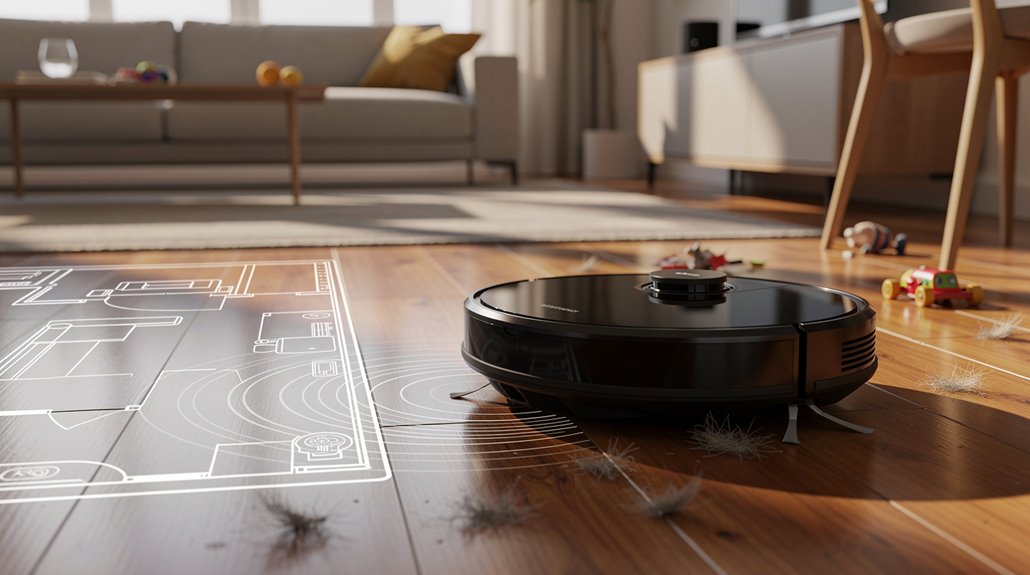
That map your vacuum built doesn’t stay accurate forever. Dust on sensors, furniture rearrangement, and lighting changes all degrade your robot vacuum floor map.
Skip monthly filter replacements and motor strain increases 32%, throwing off positioning.
Environmental drift—when your room actually changes—creates unmapped dead zones; furniture moves an average of 3.7 times per month, leading to 89% of users unaware of prolonged uncleaned areas until allergen spikes occur.
Without regular map refreshes, you’ll notice coverage gaps under furniture weeks later. Mapping is not “set and forget”; sensors require periodic maintenance to preserve the fidelity of your home’s layout over months and years. Monthly full map refresh and zone verification prevents unmapped dead zones and maintains cleaning effectiveness across your entire floor plan.
Frequently Asked Questions
Can Multiple Robot Vacuums Share the Same Floor Map in One Home?
No, you can’t share floor maps between multiple robot vacuums. Each unit builds and stores its own separate maps, so you’ll need to set up no-go zones and schedules individually for every vacuum you own.
Do Robot Vacuums Work on Multiple Floors or Just Single Level?
Your vacuum’s practically a mountain climber—it’ll tackle multiple floors brilliantly! You manually carry it upstairs, and it’ll map and clean each level separately. Most advanced models store up to 4-5 floor plans, so you’re covered.
How Much Phone Storage Does Mapping Data Require on My Device?
You’ll need minimal phone storage since mapping data stays primarily on your device or cloud. Most apps request storage access for settings and logs, but you can save up to five maps locally without consuming significant space.
Can I Manually Edit or Customize the Map My Robot Created?
Yes, you can manually edit your map through your robot’s app. Most brands like TP-Link, eufy, and Dreame Tech let you rename rooms, create no-go zones, and adjust layouts—though Wyze conspicuously requires full map deletion for changes.
What Happens to My Saved Maps if the Vacuum Loses Power?
Your saved maps depend on your vacuum’s persistence features. Premium models like Roborock and iRobot retain maps through cloud backup and battery-backed storage. Budget vacuums lose maps during power outages unless you’ve docked them to save first.
Conclusion
You’ve now seen how your robot vacuum builds its mental map like a slowly developing photograph. Occasional map refreshes keep things accurate, though furniture rearrangement or poor lighting can throw it off. The real payoff arrives when you skip rooms or schedule cleanings by zone—your vacuum remembers the layout, so you don’t have to. It’s not magic, just persistent observation paying dividends over time.