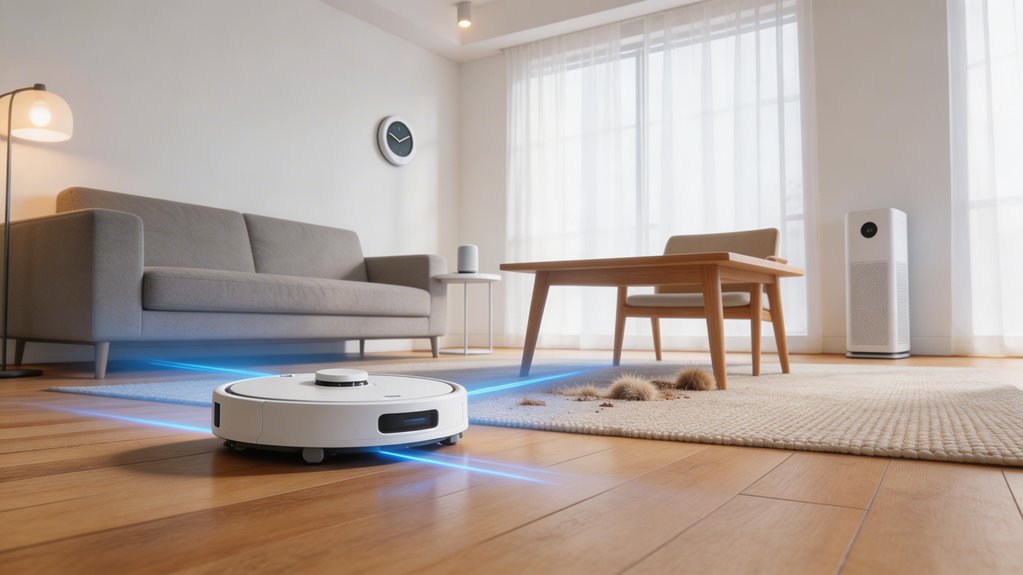
Skip peak suction ratings and promised coverage areas—they’re lab theater, not real-world performance. What actually matters is airflow design, brush construction, filter sealing, and real pickup percentages on actual floors. For carpets, you need 7,000–12,000 Pa depending on pile; hard floors need around 1,600–2,500 Pa. LiDAR beats vSLAM for complex layouts. Self-emptying docks and auto-wash stations genuinely save time if you’ve got pets or allergies. Pick features addressing where mess actually happens in your home rather than chasing specs.
Key Points
- Pickup percentages on real floors matter more than peak suction numbers; well-engineered lower-Pa models outperform poorly designed higher-Pa ones.
- Carpet type determines suction needs: ~7,000 Pa for low-pile, ~12,000 Pa for thick carpets; hard floors need only 1,600–2,500 Pa.
- LiDAR navigation improves coverage in complex layouts; vSLAM suffices for straightforward apartments but struggles in low light.
- Self-emptying docks reduce maintenance from weekly to quarterly, saving 35 minutes weekly and eliminating frequent manual dustbin emptying.
- Airflow design, brush effectiveness, and floor sealing impact performance more than Pa specifications; prioritize these engineering features over peak numbers.
Which Robot Vacuum Specs Predict Real Cleaning Performance
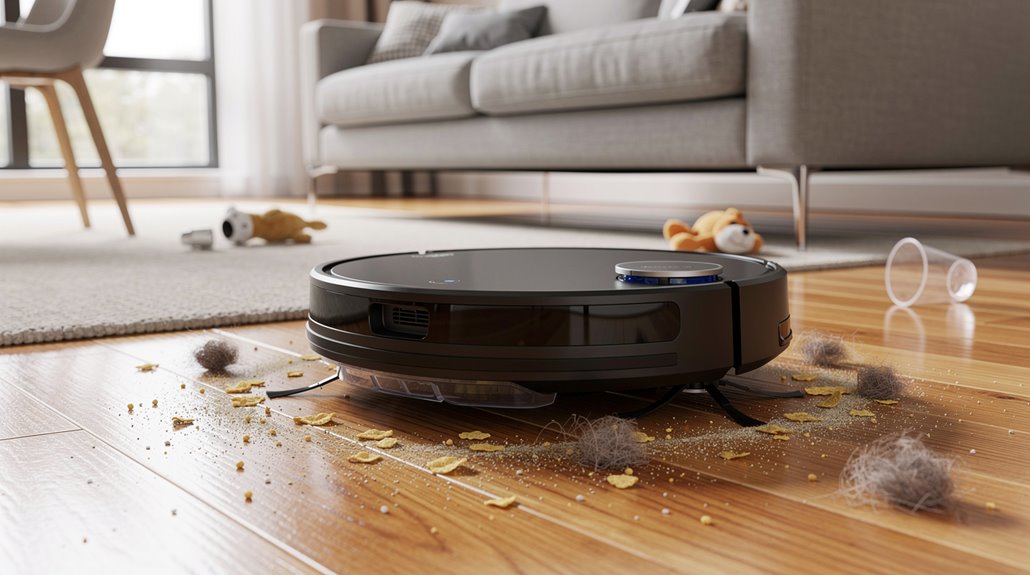
When you’re shopping for a robot vacuum, the specs that matter most aren’t always the ones manufacturers shout about. High wattage doesn’t guarantee results. Instead, focus on robot vacuum specs explained through real testing: pickup percentages on your actual floors, filter efficiency after auto-empty, and side brush effectiveness on edges.
The iRobot 3i S10 Ultra hit 99.75% on hard floors. Narwal Freo Z Ultra’s filter retained only 0.6 grams post-emptying. Those numbers predict what you’ll actually get. Meanwhile, object avoidance performance varies dramatically—the Dreame X50 Ultra perfectly avoided all obstacles and labeled them correctly in the app, while other models with RGB cameras still failed to detect hazards like dog poop, revealing that camera specs alone don’t determine real-world safety. However, structured light sensors may struggle with fine particle sealing, allowing allergens to bypass the exhaust filter during operation.
How to Evaluate Robot Vacuum Suction Power for Your Specific Floor Type
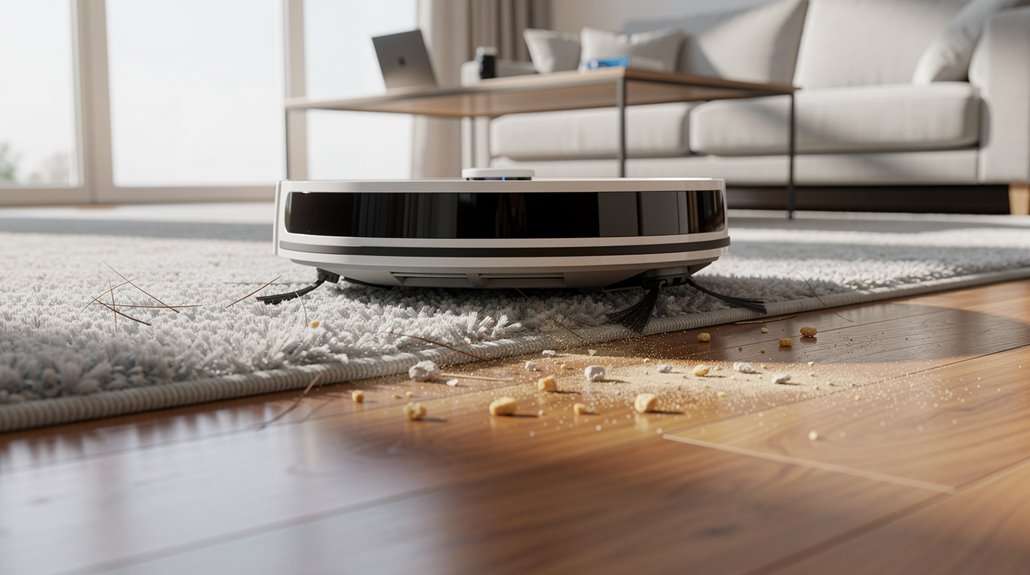
You’ll want to match your suction target to what’s actually on your floors: carpet households benefit from the 4,000–10,000 Pa range for embedded particles, while hard floor homes can get away with 3,000 Pa since that’s really where the dust sits.
Higher Pa sounds better, but cranking suction to max on hard floors like LVP doesn’t gain you much—you’re already hitting 98–99% pickup at standard levels, and you’ll just burn through battery faster and create more noise. Premium models like the Roborock Qrevo CurvX demonstrate exceptional performance with 22,000 Pa suction that picks up fine particles from flour to rice on carpeted surfaces. However, airflow design must accompany high Pa ratings because suction with insufficient airflow cannot effectively lift debris from your floors.
The real win is a model with auto-adjusting modes that boost suction when it detects carpet and dial back on hard floors, so you’re not paying the efficiency penalty across your whole home.
What Pa range you need for carpet households vs hard floor households
Suction power isn’t one-size-fits-all, and the Pa range you’re after depends almost entirely on what’s covering your floors.
Hard floor households need just 1600–2500Pa for dust and crumbs.
Carpet households require more: 7000Pa handles low- to mid-pile, while 12000Pa tackles thick carpets in busy homes. Well-engineered lower-Pa models can outperform poorly designed higher-Pa models when airflow, brushes, and filters work together effectively. For high-pile carpets and embedded dirt, models exceeding 8,000Pa with anti-tangle features deliver noticeably better extraction results.
Your robot vacuum suction buying guide starts here—match the Pa to your actual floors, not marketing claims.
Why higher Pa is not always better for hard floor cleaning
Because hard floors don’t trap debris the way carpet does, chasing ever-higher Pa numbers often wastes battery life without delivering better cleaning results.
Your robot vacuum hard floor buyer guide should prioritize airflow design and floor sealing over peak suction specs.
Moderate pressure (1500-2500 Pa) handles dust and crumbs effectively while extending runtime. Entry-level models around 1000–1500 Pa remain suitable for lighter hard-floor cleaning tasks in smaller homes.
You’ll notice diminishing returns past that threshold on hard surfaces.
How to Evaluate Robot Vacuum Navigation Technology for Your Home Layout
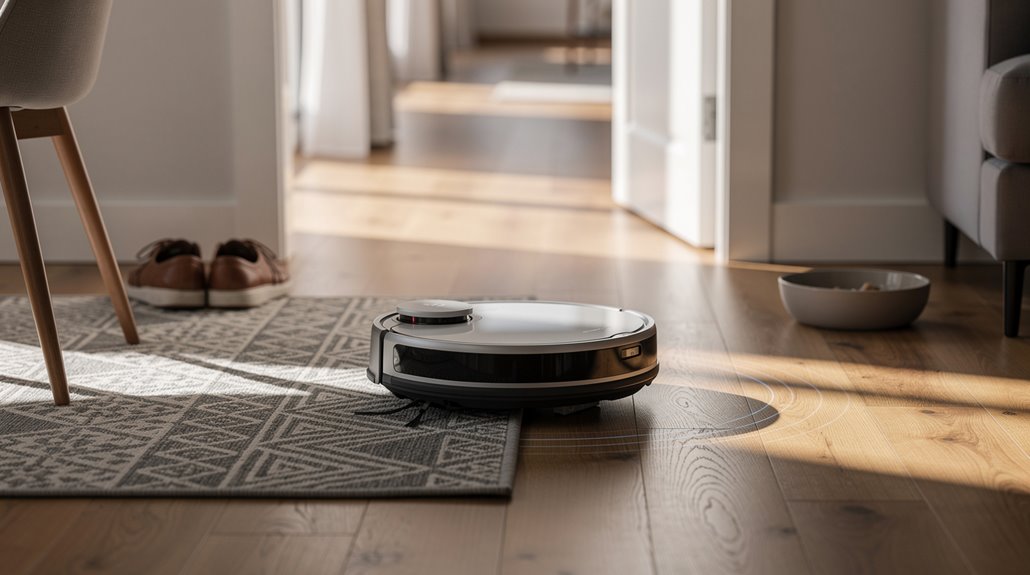
Your home’s layout determines whether you actually need mapping at all. If you’ve got a straightforward apartment or adjacent rooms, a basic vSLAM setup cleans fine, but throw in hallways, multiple levels, or furniture clusters, and you’ll start seeing missed spots and inefficient loops without LiDAR’s 360-degree precision.
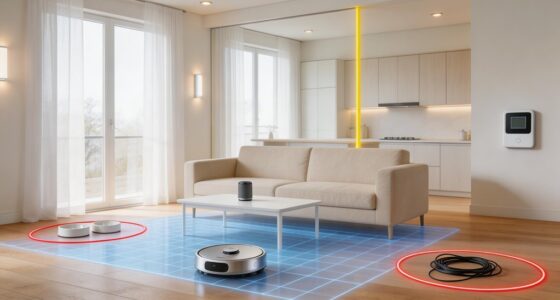
The minimum you should require is real-time mapping—meaning the robot updates its route as it encounters changes—because static maps from yesterday don’t account for toys on the floor or chairs you’ve moved. LiDAR’s time-of-flight sensor measures beam reflections to calculate distances, enabling this adaptive mapping capability that vSLAM systems often struggle to match in complex layouts. When a robot is relocated or lifted, it must re-localize by detecting objects and tracing walls to reestablish its position on the map, ensuring it resumes cleaning from the correct location.
Why LiDAR navigation matters more in larger or more complex floor plans
When your home stretches across multiple rooms or features an open floor plan with plenty of obstacles, LiDAR navigation becomes genuinely useful rather than just a nice-to-have feature.
As a lidar robot vacuum buyer, you’ll notice the difference in how these machines handle your space:
- 360-degree scanning prevents overlap and covers large areas without missing spots
- Accurate mapping works in darkness where camera-based systems fail
- Dynamic path adjustments handle multi-room layouts efficiently
LiDAR sensors mounted on top of the vacuum emit tiny laser pulses that bounce off objects and measure distances to build extremely accurate maps for efficient route planning. This enables Simultaneous Localization and Mapping to continuously update the robot’s understanding of your home while it cleans.
What minimum mapping capability to require for consistent coverage
Consistent coverage—the actual ability to clean your whole floor without missing strips or re-vacuuming the same spot twice—hinges on whether your robot can build and reference a reliable map of your home. Your robot vacuum navigation buying guide should prioritize three baseline requirements: initial mapping speed, app visualization, and no-go zone controls. Without these, you’re basically guessing whether it’s cleaning efficiently or just wandering. Modern robots equipped with sensor fusion technology combining LiDAR, visual odometry, and accelerometer data can generate high-resolution maps that significantly reduce wasted battery life and repeated cleanings in wrong areas. The most reliable navigation systems on the market use laser sensor scanning that captures distance information at 5 times per 360-degree rotation, which the SLAM algorithm then processes to create real-time maps of your home layout.
| Feature | LiDAR | vSLAM | Hybrid |
|---|---|---|---|
| Low-light mapping | Excellent | Poor | Excellent |
| Coverage accuracy | High | Moderate | High |
| App visualization | Real-time | Delayed | Real-time |
| Processing speed | Fast | Slow | Fast |
Which Robot Vacuum Features Are Worth Paying More For
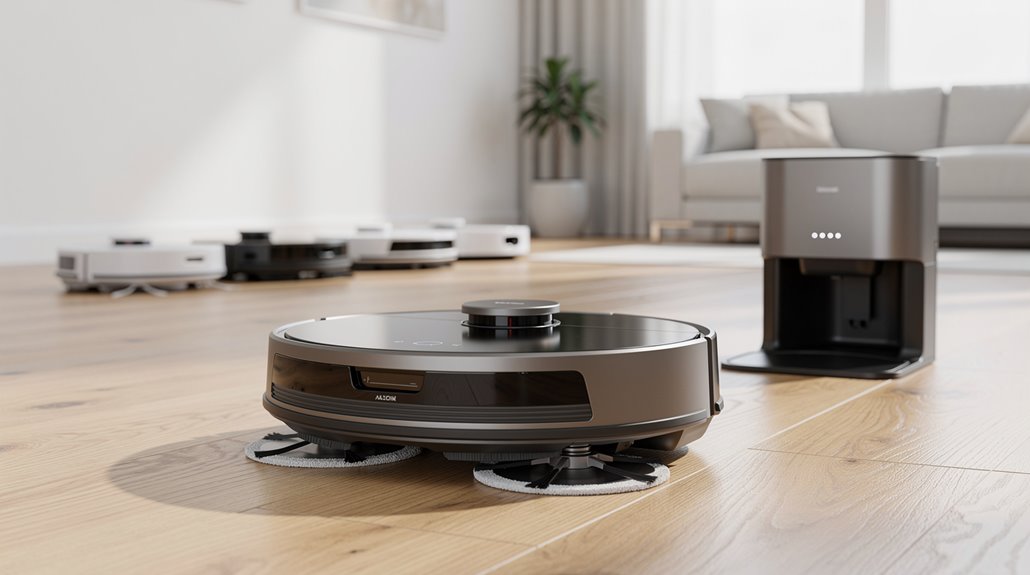
Self-emptying docks genuinely save you from weekly dust bag changes and the mess that comes with them—the X8 Pro OMNI empties every 30 minutes during a clean, so you’re not dealing with a full bin mid-cycle.
Auto-wash and auto-fill stations justify their cost bump if you mop frequently or have pets, since they handle hot-water cleaning at 176°F and refill your tank automatically, though they do require more counter space near an outlet and regular dock maintenance themselves. However, hot-wash docks offer true hands-free pad cleaning that prevents mildew and significantly reduces your weekly maintenance workload compared to dust-only work stations. These premium docks with HEPA filtration also capture allergens and fine particles more effectively than basic auto-empty stations, which is particularly beneficial for households with allergies or respiratory sensitivities.
Self-emptying docks and the maintenance tasks they genuinely eliminate
Most robot vacuum owners end up doing the same thing every few days: emptying a small dustbin by hand.
A self-emptying dock robot vacuum changes that routine.
Here’s what actually disappears from your chores:
- Manual bin emptying shrinks from every 1–3 days to every 2–3 months
- Dust exposure drops significantly through sealed, compressed storage
- Weekly maintenance time saves you roughly 35 minutes
- The dock’s warm air drying prevents mould and bacteria growth in the mop pad, eliminating additional cleaning steps beyond the automated system.
- Some advanced docks like the Roborock Qrevo Series can wash and dry mop pads automatically, further reducing hands-on upkeep.
The trade-off: these docks cost $200–400 more upfront.
Auto-wash and auto-fill stations and when they justify the cost premium
While self-emptying docks handle the dust bin problem, they don’t touch the mop pad situation—and if you’ve got a robot that both vacuums and mops, that’s where auto-wash and auto-fill stations enter the picture.
A robot vacuum auto-wash station cleans and dries pads automatically, while auto-fill keeps the water tank topped off. You’re looking at a 20-50% price bump. Self-cleaning mop pads maintain freshness during use and prevent sticky residues by keeping the mop hygienic between cleaning cycles. These stations can store 90–150 days of debris, significantly reducing the frequency of manual maintenance and upkeep.
It pays off in high-traffic homes with frequent spills or if you’ve got pets.
Which Robot Vacuum Specs Are Marketing Figures You Can Safely Ignore
Robot vacuum makers throw a lot of numbers at you—suction power in pascals, battery life in hours, coverage area in square feet—and most of it’s designed to make their model sound better than it actually performs in your home.
You can safely ignore these robot vacuum marketing specs:
- Peak suction ratings tested in labs, not on your carpet with pet hair
- Promised coverage areas that assume perfectly open floors
- Software update claims that rarely deliver advertised performance gains
Beyond performance metrics, be aware that vendors often misrepresent camera functionality in their documentation, labeling imaging sensors as optical collision sensors while these devices may actually transmit images to cloud servers for remote viewing capabilities. Reputable brands typically offer privacy and data security options that allow you to control or opt out of cloud data storage entirely.
How to Set a Robot Vacuum Budget Based on Your Actual Use Case
Setting a robot vacuum budget comes down to matching your wallet to what you actually need cleaned, not what the marketing materials promise you’ll get.
Light daily cleaning runs under $300.
Pet hair homes benefit from the $300-$600 range where suction and brushes actually matter. In this segment, established brands leverage economies of scale to deliver flagship features at accessible prices, making meaningful upgrades like LiDAR navigation and stronger suction standard rather than premium add-ons. Robot vacuums in this price range should be viewed as maintenance cleaning tools rather than full replacements for conventional vacuums.
Your robot vacuum budget guide: spend where your mess happens, not where specs look impressive.
Frequently Asked Questions
How Often Do Robot Vacuums Need Maintenance, and What Does That Cost?
You’ll need weekly brush and filter cleaning, dustbin emptying every 2-3 days, and filter replacement annually. Costs vary: filters run $20-50, brushes $15-30, and batteries $100-200 after 2-5 years.
Can Robot Vacuums Handle Stairs, and What Are the Safety Risks?
Your robot vacuum’s “vertical challenges” remain largely insurmountable. Standard models can’t climb stairs—they’ll stop at edges. Emerging stair-climbers like Migo Ascender exist, but they’re unproven, costly, and risk tipping or sensor failures.
Do Robot Vacuums Work Well on Thick Carpets and Area Rugs?
You’ll find robot vacuums work well on thick carpets if they’ve got 6,000–20,000 Pa suction and high-torque brushes. You’ll want large wheels with suspension and motorized brush rolls to prevent getting stuck.
How Long Do Robot Vacuum Batteries Typically Last Before Replacement?
Like a smartphone’s battery, your robot vacuum’s battery degrades with time. You’ll typically replace it after 2–3 years, though extending to 5 years requires proper maintenance and avoiding frequent deep drains.
What’s the Difference Between Scheduled Cleaning and On-Demand Cleaning Modes?
You’ll find that scheduled cleaning runs your vacuum automatically on set times for consistent maintenance, while on-demand cleaning lets you start it manually whenever you need spot cleaning. Scheduled saves you time; on-demand gives you control.
Conclusion
You’ve now got the compass you need. Ignore the marketing noise—suction numbers and app ratings don’t guarantee clean floors. What matters is matching the vacuum’s navigation style and cleaning power to your actual home and budget. You’re looking for the tool that handles your specific floors and layout, not the one with the most features. Pick that, and you’ll skip the regret.