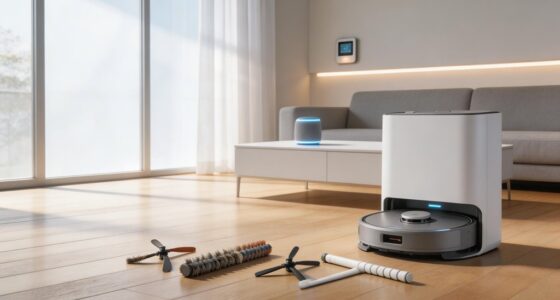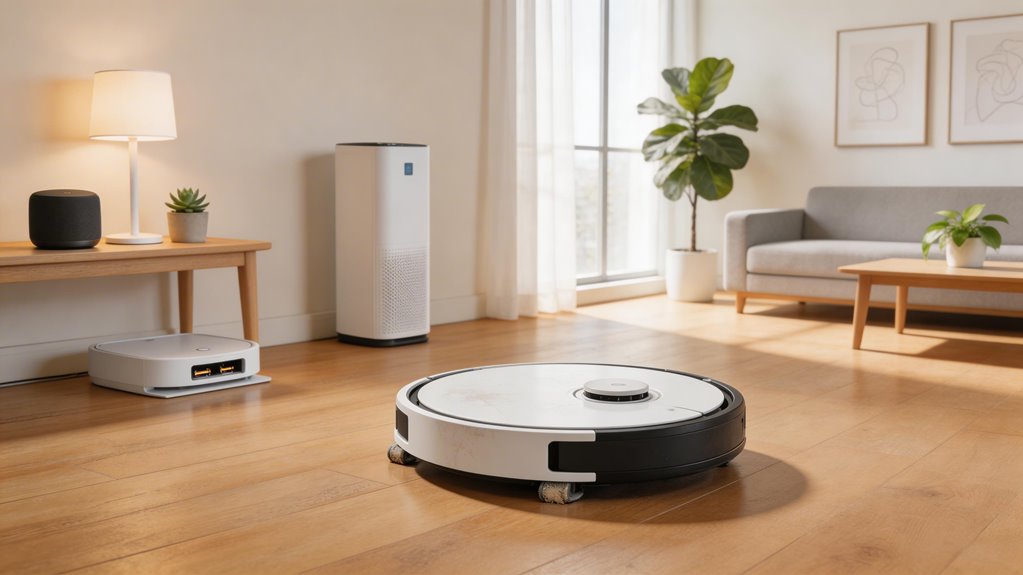

Most robot vacuums you own will last three to five years, though the real lifespan hinges on battery degradation, motor wear, and how consistently you maintain them. Budget models typically fail around three years; premium units reach five to seven with proper care. Your maintenance habits—weekly brush cleaning, regular filter replacement, frequent dustbin emptying—directly extend motor performance and push the timeline upward. Software support matters too: without firmware updates, even physically sound vacuums become unreliable. The specifics of what fails first, and when, depend on your household’s actual demands and the brand’s track record.
Key Points
- Median lifespan is 3.1 years; budget models last ~3 years, mid-range 4–5 years, and premium models reach 5–7 years with proper maintenance.
- Battery degradation occurs within 300–500 charge cycles (1–3 years), requiring replacement when runtime drops below 50% of original capacity.
- Weekly brush and filter cleaning extends lifespan to 4–6 years, while neglected maintenance reduces lifespan to under 2 years.
- Clogged filters force motors to work harder and run hotter, shortening performance; replace filters every three to six months.
- Lack of firmware updates causes security vulnerabilities and erratic motion, directly reducing practical useful life regardless of physical condition.
What the Data and Teardown Evidence Says About Robot Vacuum Lifespan
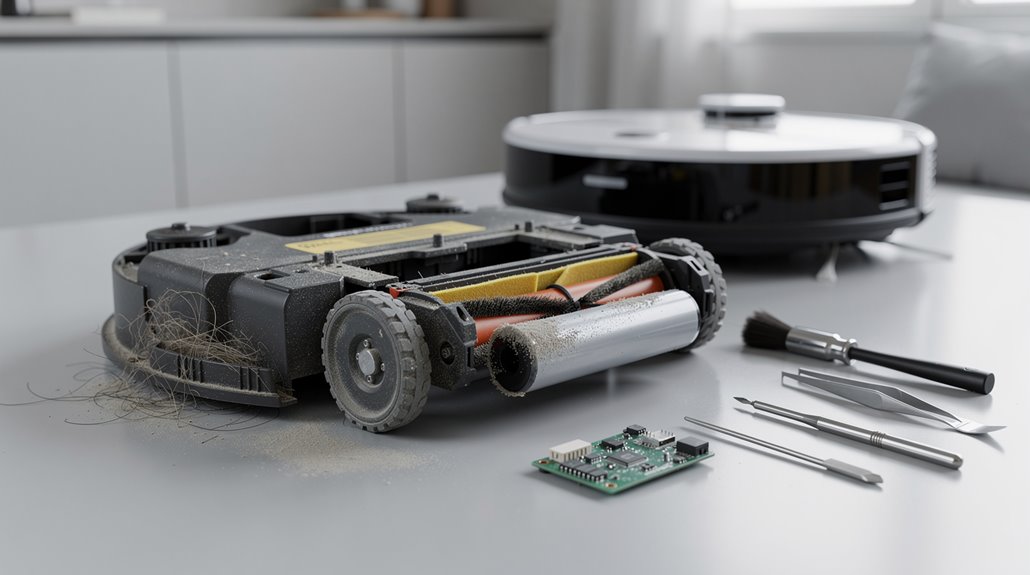
When you’re trying to figure out how long a robot vacuum will actually last, the numbers matter more than the marketing.
The 2023 UL data shows a median robot vacuum lifespan of 3.1 years, though premium models stretch to 4-6 years with proper maintenance.
Build quality determines everything: modular designs protect motors from wear, while budget models degrade faster because exposed components take the hits. Frequent daily use can slightly accelerate wear on components like brushes and suction motors, particularly in high-traffic households. Home environment factors such as pet hair and debris significantly increase wear on critical parts, reducing overall durability even in well-maintained units.
How Lithium-Ion Battery Degradation Determines Robot Vacuum Operational Lifespan
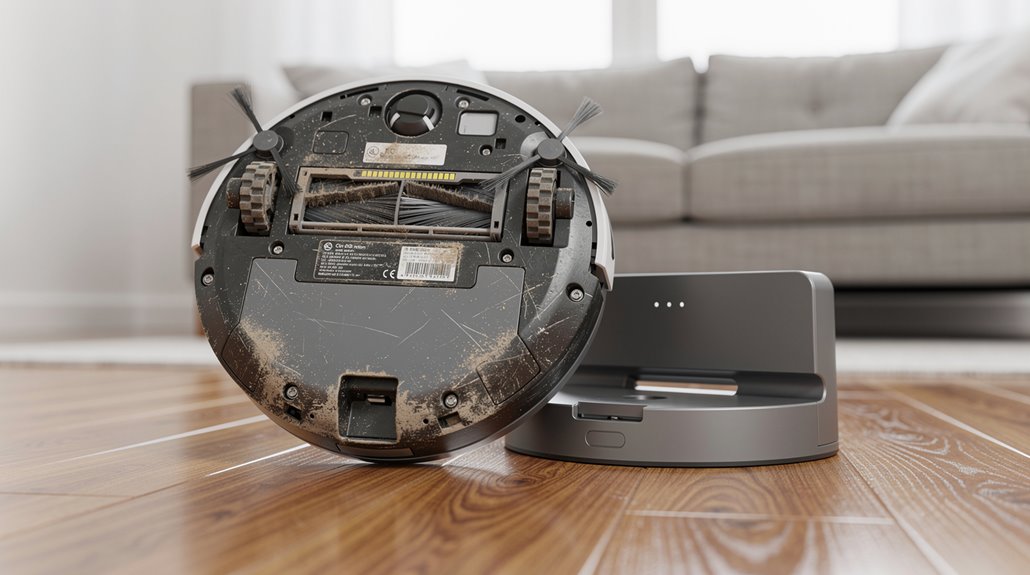
Your robot vacuum’s battery hits its real expiration date around 300–500 charge cycles, which translates to roughly 1–3 years depending on how hard you run it—daily use burns through that budget in about a year, while a few cleaning sessions weekly stretches it closer to three.
When runtime drops below 50% of what you got on day one, you’re looking at a battery replacement that typically costs $150–$300, which starts making you wonder whether you should just buy a new vacuum instead. Advanced models with smart energy management can extend battery longevity and reduce the frequency of replacements by adapting power output to different surfaces. Battery aging shows as gradual capacity loss rather than sudden failure, giving you time to plan for replacement before your vacuum stops working altogether.
The math gets tighter if your model’s original price was under $400, since you’re potentially spending 40–75% of that upfront cost just to keep the same machine going.
How charge cycle count degrades runtime capacity in robot vacuum batteries
Because lithium-ion batteries lose capacity with every charge cycle, your robot vacuum’s runtime will shrink even if the battery reports it’s still healthy.
You’ll notice your vacuum stopping mid-clean or returning to dock sooner, despite what the app displays.
Robot vacuum battery degradation happens invisibly—voltage collapses under motor load while health readings stay deceptively high. Keeping your vacuum on its charging dock when not in use prevents deep discharge cycles that accelerate degradation and extends overall battery lifespan.
Real capacity drops faster than firmware admits. Firmware diagnostic cycles run only every 5–12 charging sessions and measure voltage stability rather than actual coulombic capacity, leaving you unaware of usable energy loss until the battery suddenly fails under real-world motor loads.
What battery replacement cost means relative to a new robot vacuum purchase
So your robot vacuum’s battery is dying faster than the app pretends it is, and now you’re staring at the reality: drop another $15 to $90 on a replacement, or just buy a new vacuum altogether.
Here’s the math: battery replacement costs 3–16% of your original $550–$580 purchase price. That makes robot vacuum battery replacement genuinely cheaper than replacing the whole unit.
Year 2 repairs average $115 total. New vacuums run $400–$700. However, 68% of tested robot vacuums required battery degradation repairs by year two or three, making this the single most common maintenance expense across the three-year ownership window. Most robot vacuum batteries degrade after 2–3 years of regular use, which aligns with the typical maintenance cycle for owners.
How Drive and Suction Motor Lifespan Varies Across Robot Vacuum Price Tiers
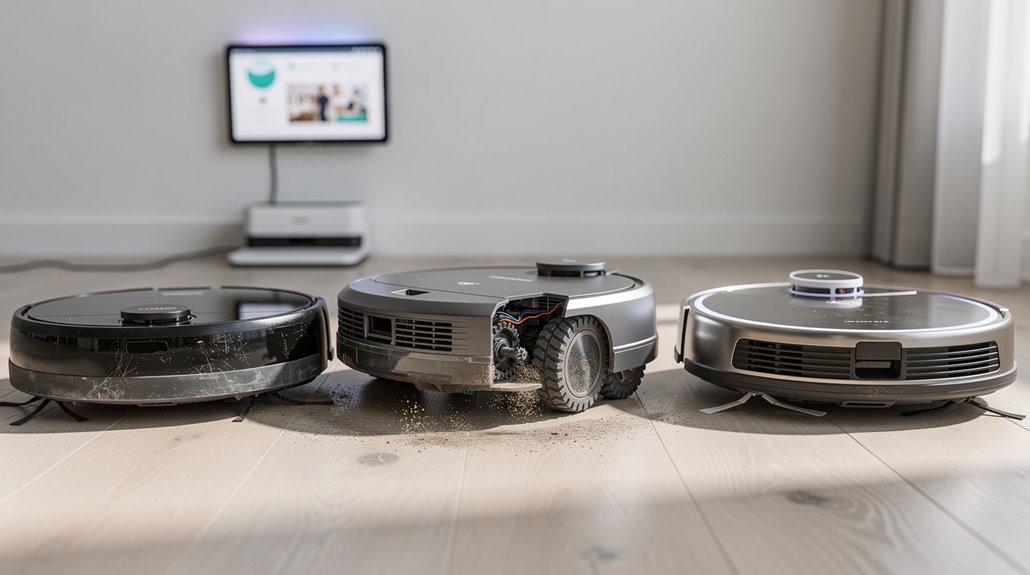
The motors inside your robot vacuum—the drive system that moves it around and the suction system that actually cleans—don’t age the same way across different price tiers.
Robot vacuum motors wear differently depending on price tier—budget, mid-range, and high-end models all have distinct lifespans.
Budget models hit failure around 3 years and 10,000 hours.
Mid-range units stretch to 4-5 years and 15,000 hours.
High-end models push 5-7 years and 20,000-plus hours.
Better materials and cooling make the real difference in robot vacuum motor lifespan. Regular maintenance habits such as cleaning filters and removing debris from brushes can significantly extend motor performance beyond these baseline timeframes, as wear accumulation directly correlates with how well internal components remain protected from dust and mechanical stress. Storing your unit in a cool, dry place when not in use also helps preserve motor components and battery longevity over time.
How Maintenance Habits Extend or Shorten Robot Vacuum Lifespan
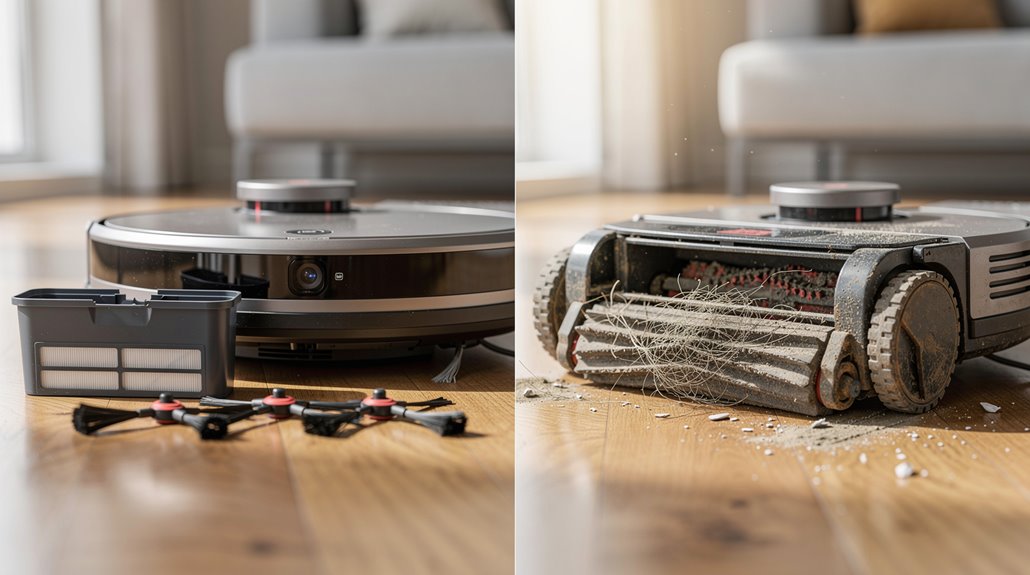
Your brush cleaning routine directly impacts how hard your suction motor works, since tangled hair and debris force the motor to compensate with more power over time.
Likewise, neglecting filter maintenance lets clogs build up, which tanks your Pa output and forces the motor to strain even harder just to maintain basic cleaning performance.
Both habits compound: a motor that’s constantly overworked burns out faster, while consistent maintenance keeps it running at its intended efficiency for years longer. Regular maintenance also reduces wear and tear on wheels and brushes, which extends the overall lifespan of your device beyond just the motor alone. A monthly deep clean ensures sensors remain accurate and all components function optimally, preventing performance degradation that could shorten your robot vacuum’s operational life.
How brush cleaning frequency directly affects suction motor longevity
Neglecting your robot vacuum’s brushes might seem like a minor shortcut, but it’s one of the fastest ways to prematurely wear out the suction motor underneath. When debris tangles around bristles, your motor works harder. That extra strain accelerates wear significantly. Regular cleaning keeps the motor’s load light and extends robot vacuum maintenance longevity by years. Additionally, frequent emptying of the dustbin prevents blockages that compound motor strain and reduce overall cleaning effectiveness. The brush wear itself is driven by mechanical friction, electrical arcing, and environmental contamination, which means that cleaning debris regularly directly mitigates these degradation factors.
| Cleaning Frequency | Motor Stress | Lifespan Impact |
|---|---|---|
| Weekly | Low | 4–6 years |
| Monthly | Moderate | 2–3 years |
| Neglected | High | Under 2 years |
| Never | Severe | 6–12 months |
How filter maintenance affects long-term Pa output and motor load
While brush maintenance keeps your motor from burning out prematurely, filter maintenance is what actually determines whether your robot vacuum keeps its suction power or slowly turns into a dust-blowing liability.
Clogged filters force your motor to work harder, running hotter and shortening robot vacuum long-term performance. Replace primary filters every three to six months. This simple habit prevents motor strain, maintains consistent airflow, and saves you from expensive repairs down the road. Regular filter replacements also maintain optimal filtration efficiency, ensuring your home benefits from improved air quality and reduced allergens over the vacuum’s lifetime. You can easily purchase replacement filters from the Webshop and smartphone app to keep your vacuum performing at its best.
How Software and Firmware Support Lifespan Affects Robot Vacuum Usability
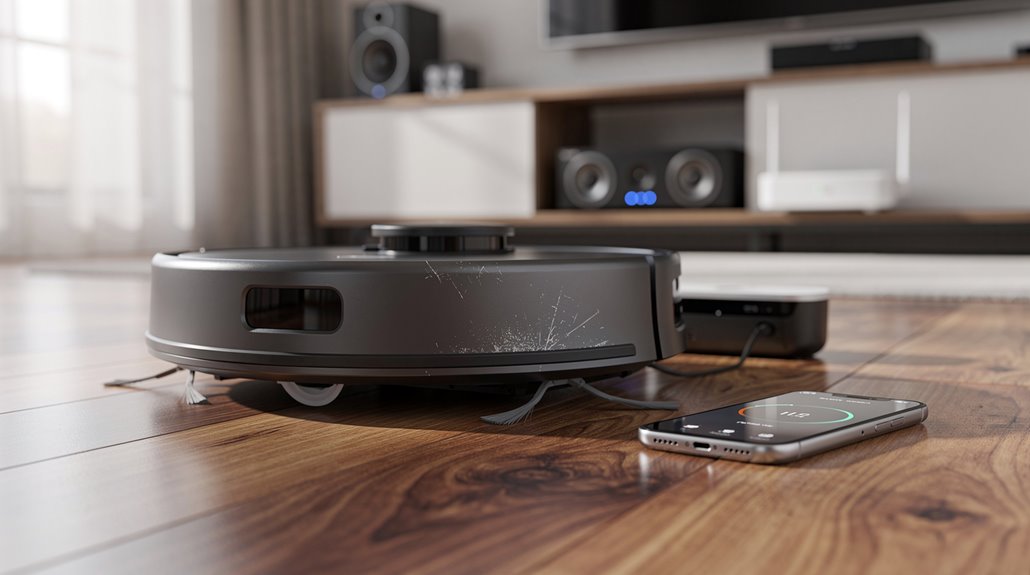
Software and firmware updates are what separate a robot vacuum that gradually gets worse from one that stays genuinely useful over time.
Your robot vacuum’s software support lifespan directly determines how long it actually performs. Older models stop receiving updates as manufacturers shift focus elsewhere. Without new firmware, you lose navigation improvements, battery optimizations, and security patches. That’s when your vacuum effectively ages out, regardless of physical condition. Coordinating software updates alongside physical maintenance sessions helps prevent system failures and erratic motion that can prematurely end your vacuum’s useful life. Regular firmware updates via official apps provide performance and bug fixes that maintain reliable operation across years of service.
Which Robot Vacuum Brands Have the Best Long-Term Reliability Data
When you’re comparing robot vacuum brands, the gap between marketing claims and actual long-term performance matters more than specs on a box.
Marketing claims pale in comparison to real-world long-term performance when choosing a robot vacuum.
Eufy earns near-top reliability ratings from Consumer Reports.
Roborock consistently delivers solid performance and tangle avoidance. According to Amazon customer reviews analyzing over 100 robot vacuums, Roborock models like the Qrevo Slim and Saros 10R maintain only 5-6% one-star reviews, demonstrating strong long-term user satisfaction.
iRobot shows middling reliability across surveys since 2015. Consumer Reports combines these owner satisfaction ratings with lab test results to create a comprehensive reliability picture.
Robot vacuum brand reliability varies significantly, so check actual owner data before committing.
Frequently Asked Questions
Can Robot Vacuum Parts Be Individually Replaced to Extend Overall Lifespan?
Yes, you can individually replace robot vacuum parts to extend overall lifespan. You’ll swap worn brushes, filters, batteries, and motors using basic tools. This modular approach lets you avoid costly full-unit replacement.
How Do Warranty Periods Compare to Actual Robot Vacuum Longevity?
You’ll typically find warranties warrant only 1-2 years, while your robot actually lasts 4-6 years with proper maintenance. Premium models persistently perform 5-7 years, extending well beyond basic coverage.
What’s the Average Cost of Repairs Versus Buying a New Unit?
You’ll spend $339 on three-year repairs versus $550-$580 for a new unit. You should repair if costs stay under 50% of the purchase price, but you’d replace it once repairs exceed that threshold or the model’s outdated.
Do Different Floor Types Affect Robot Vacuum Durability Differently?
Yes, floor types significantly affect your robot vacuum’s durability. Hard floors like LVP minimize wear on components, while high-pile carpets bog down wheels, accelerating motor stress and battery degradation. You’ll experience longer lifespan on smooth surfaces.
How Does Usage Frequency Impact Robot Vacuum Lifespan in Years?
Your usage frequency is the heartbeat of your robot vacuum’s longevity. Daily use drains it in 1–2 years, while moderate use extends it to 4–6 years, and occasional use can stretch it beyond 7 years.
Conclusion
You’re looking at four to eight years if you handle maintenance properly. Battery degradation will eventually catch up first—usually around year four or five. Premium models tend to soldier on longer, though that’s partly because you’re more likely to bother fixing them. Stick with established brands for parts availability. The real variable isn’t the machine itself; it’s whether you’ll actually clean the brushes regularly.